Today's game stop

Redactle
Redactle presents a daily Wikipedia article that has been blacked out; you guess words to reveal matches throughout the article and find the hidden title to win.
Play RedactleA fresh puzzle is waiting for you.
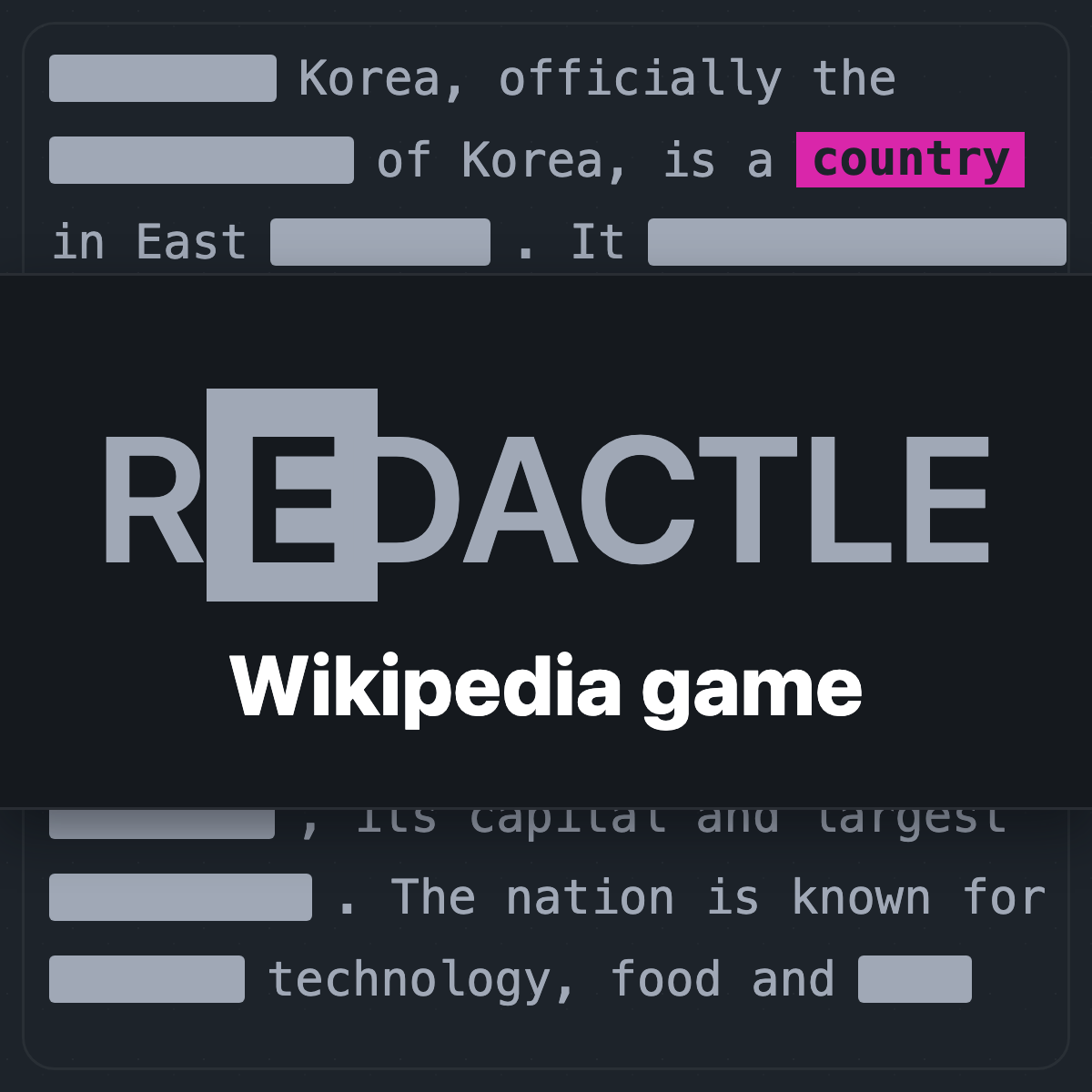
Redactle hides an entire Wikipedia article behind black redactions and asks you to guess words to reveal their occurrences until you can identify the article title. The site shows puzzle details such as average solve time, median guesses, and how often players use hints. You can enter a specific puzzle number to play past puzzles.
The interface supports multiple languages and phone and desktop play. The game records statistics like average solve time (shown per puzzle), median guesses, and hint usage. Settings let you choose difficulty and presentation options such as underlines, themes, and whether unfamiliar guesses are marked by a spelling underline.
The site offers account features including sign-in, optional support to remove ads, and synchronization improvements for eligible supporters. Sharing and results panels are available, with native share sheet support on phones and a copy confirmation on desktop. The game also includes multiplayer and team-up features and accessibility and layout fixes noted in recent updates.
How to play Redactle
- Redactle: open a daily puzzle or enter a puzzle number to play a past puzzle and pick your preferred language in the settings.
- Type an English word into the guess box and submit it to reveal every exact and matched variation of that word throughout the redacted article.
- Use revealed words and partial phrases to infer the subject; you do not need to uncover the whole article to win, only the article title.
- Use hints when available to reveal words or clues; reveal counts and median guesses are shown in the puzzle details to help measure difficulty.
Tips for Redactle
- Start by guessing very common words such as articles, prepositions, and common nouns to expose structure and proper names quickly.
- After revealing function words and a few names, focus on distinctive proper nouns, technical terms, or repeated topical words to identify the article title.
- Use the difficulty setting for random or themed puzzles to match the experience to your skill level before starting a new game.
- On phones, enable the option to underline guessed words so you can track which words you revealed and which were found by hints or other players.
Redactle FAQ
What is Redactle?
Redactle is a daily Wikipedia puzzle that hides an entire article behind redactions and asks you to guess words to reveal matches until you can name the article title. The goal is to reveal enough of the redacted text to identify the subject; the site shows per-puzzle stats like average solve time, median guesses, and hint usage.
How many guesses does Redactle typically take?
Puzzle details show a median of 64 guesses for solved games on the example puzzle and also list average solve time and hint usage rates. Individual puzzles vary in difficulty and players can view median guesses and other metrics in the puzzle details panel.
Can I play past Redactle puzzles?
Yes, you can play past puzzles by entering a Redactle puzzle number in the provided field to jump to that specific puzzle. The site explicitly includes an input labeled Enter a Redactle puzzle number to play earlier puzzle numbers.
Is there a hard mode or difficulty options in Redactle?
Yes, Redactle offers difficulty choices for random and themed puzzles found in Settings, letting you choose a preferred difficulty before starting a game. The difficulty labels and ratings are shown above the article for random and themed puzzle selections.
Does Redactle work on mobile devices?
Yes, Redactle supports mobile play and lists multiple phone-specific fixes and improvements such as stable keyboard behavior, navigation menu adjustments, and better sharing on phones. The site also mentions language selection and layout improvements specifically for phones.
What do hints and colors mean in Redactle?
Hints reveal words in the article and the site notes that hint reveals are shown in red when that option is enabled, while revealed words appear throughout the article to aid inference. The puzzle details also report the percentage of games that used a hint for each puzzle.
Can I share my Redactle results?
Yes, Redactle supports sharing results and recent updates improved sharing behavior so the results panel copies or invokes the phone's native share sheet and confirms when a result is copied. The site also fixed post-win sharing layout and confirmation behavior across devices.