Today's game stop

DotDash
DotDash is a daily Morse code puzzle where you listen to a mystery word played in Morse, type your guesses, and get letter-by-letter feedback in six tries; the same word resets each day in UTC.
Play DotDashA fresh puzzle is waiting for you.
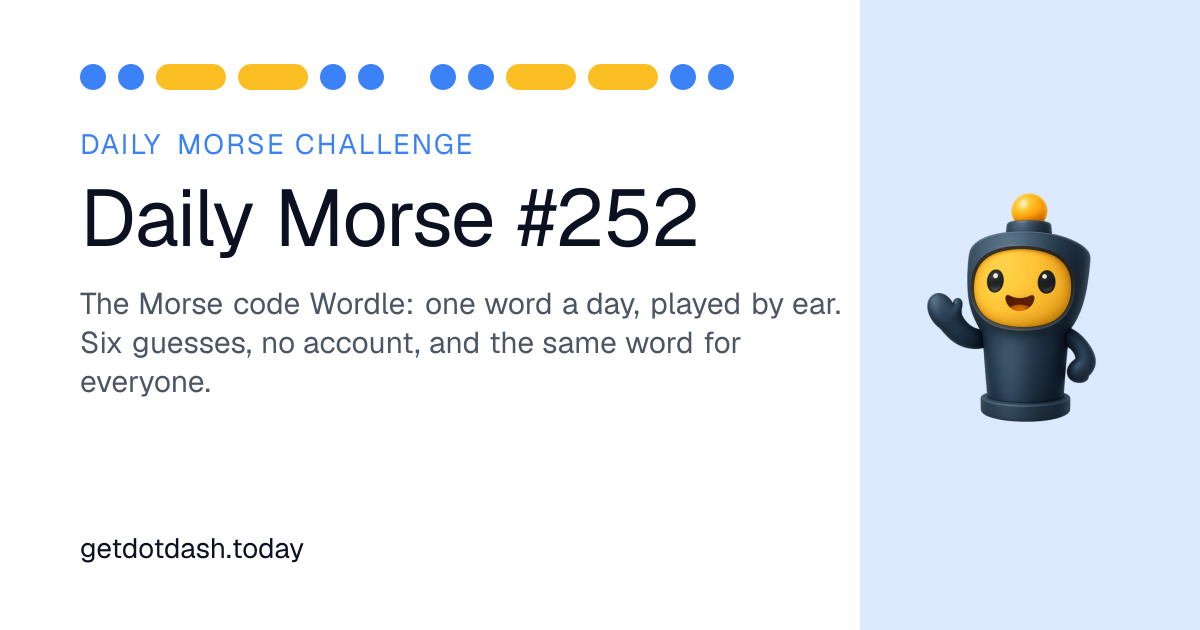
DotDash is a free, browser-playable daily puzzle that turns Morse code into a Wordle-like challenge by ear. Each day one mystery word is played as Morse code, letter by letter, and you have six attempts to type what you heard. The site requires no sign-up and stores your streak locally in your browser.
The interface gives audio playback with automatic slowing every other listen and an option to show the visual dots if you prefer reading to listening. Correct letters light up green for correct place, amber when the letter is present elsewhere, and grey when a letter is not in the word. The same daily word is used across the web and mobile apps and follows UTC for the daily reset.
How to play DotDash
- Open DotDash and press Listen to hear the mystery word played in Morse code, with the signal presented one letter at a time.
- Type the word you heard into the guess box and submit it as your first of six attempts.
- Check the colour feedback: green means the letter is correct and in the right position, amber means the letter appears elsewhere in the word, and grey means the letter is not in the word.
- Use the Show the dots option if you prefer to read the visual Morse dots instead of listening.
- Listen again as needed; the code slows down every second listen to help you catch faster words.
Tips for DotDash
- Listen once to get the rhythm and a sense of letter count, then focus on distinguishing repeated rhythms that indicate similar letters.
- Use the built-in slow playback by replaying to capture letters you missed at full speed rather than guessing wildly.
- Enter plausible words that match the pattern of greens and ambers to quickly eliminate wrong letters shown grey.
- If you struggle by ear, switch to Show the dots so you can visually read the sequence and map it to known letters.
DotDash FAQ
Is DotDash the same word for everyone?
Yes, DotDash uses a single daily word that is the same for every player; the site states the one word per day is set in UTC and the same word appears on the web and in the DotDash app so you can compare results with others without spoiling it.
Do I need an account to play DotDash?
No, you do not need an account to play DotDash; the page says your streak is stored in your browser and nothing is required to play, so you can play anonymously in the browser or in the app without signing up.
Is DotDash free to play?
Yes, DotDash is free to play; the site and meta description describe the daily Morse code puzzle as free and playable in your browser, and the daily challenge is also free in the DotDash app according to the page.
How many guesses do I get in DotDash?
You get six guesses to identify the mystery word in DotDash; the site frames the puzzle as six guesses similar to Wordle and shows an example interface indicating Guess 1 of 6.
When does the new DotDash puzzle come out?
The daily DotDash puzzle updates once per day and follows UTC for the reset; the page explicitly says one word per day in UTC, so the new puzzle becomes available when the UTC day changes.
What do the colours mean in DotDash?
Green marks a letter that is correct and in the right place, amber indicates the letter is in the word but in a different position, and grey shows the letter is not in the word at all; this letter-by-letter feedback is given after each submitted guess.
I cannot hear the audio. Can I still play DotDash?
Yes, you can still play DotDash without audio because the Show the dots option displays the Morse signal visually; this lets you read the sequence of dots and dashes instead of listening, so the puzzle works with sound off.
Who made DotDash?
DotDash is created and published by DotDash; the site footer shows © 2026 DotDash and the product is presented as the DotDash daily Morse challenge with supporting apps and learning resources.