Nondle
Nondle is a daily browser nonogram where you use numerical row and column clues to fill a 6x6, 10x10, or 12x12 grid, with each new set arriving at midnight Eastern and a live leaderboard to compare times.
Play NondleA fresh puzzle is waiting for you.
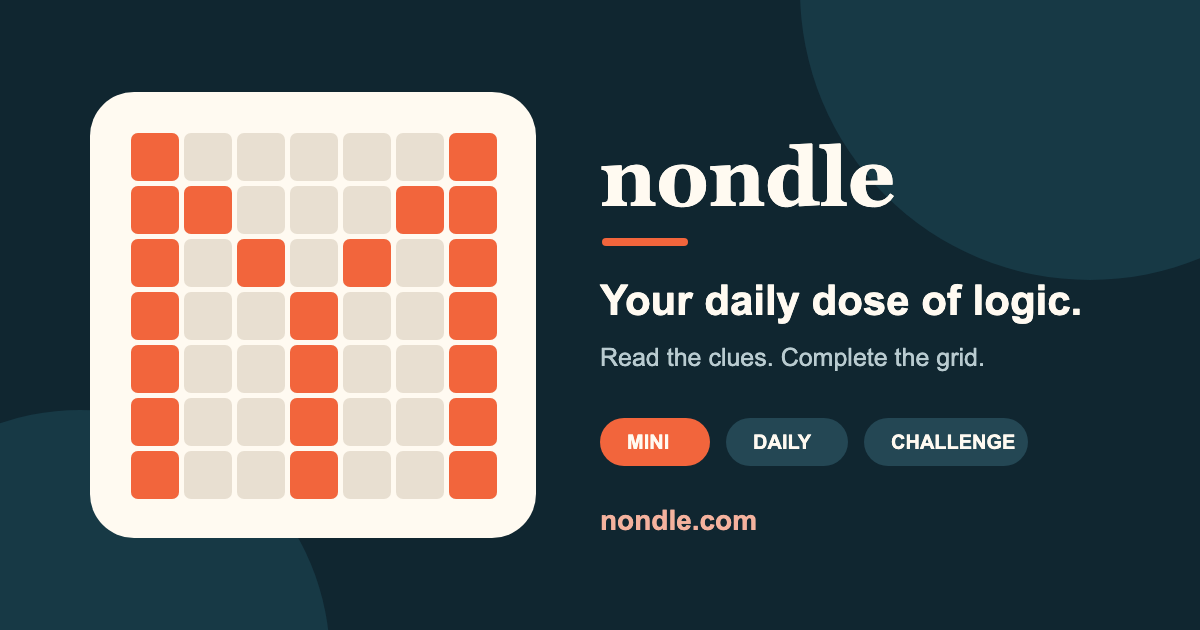
Nondle is a free nonogram puzzle you can play in your browser with no download required. Number clues describe groups of filled squares in each row and column; use deduction to decide which cells to fill and which to mark empty. The site offers three puzzle sizes: Mini 6×6, Daily 10×10, and Challenge 12×12, each designed to have a single logical solution.
The game includes a timer that begins when you press Start and ranked runs that place your completion time on a live leaderboard. A completed row or column that is incorrect adds a 10 second penalty to your run, and you can pause a run to move it out of ranked competition. You can play as a guest or sign in to keep a public Nondle name and completion history.
New puzzles arrive at midnight Eastern each day, and an archive lets you practice previous Mini, Daily, and Challenge boards without affecting current streaks or rankings. The interface supports drag-to-paint, precision controls, an optional auto-mark feature that fills remaining empty marks when a line is complete, and a brief undo when auto-marking makes an accidental change.
How to play Nondle
- How to play Nondle: Read the row and column clues to understand how many filled squares appear in each line.
- Choose a puzzle size: Mini 6×6, Daily 10×10, or Challenge 12×12.
- Press Start to begin the timed run when you are ready; the clock does not start until you press it.
- Use the numerical clues to deduce which cells must be filled and which must be empty, working between rows and columns.
- Drag to paint lines or use the fill and mark tools to place filled squares and X marks for empty cells.
- When a line has all its fills, the interface can auto-mark the remaining cells as empty, with a brief undo option if that was accidental.
- Avoid completing a line incorrectly because each wrong completed row or column adds a 10 second penalty to your ranked time.
Tips for Nondle
- Start on rows or columns with large clue numbers or single-group clues; they often give immediate filled blocks to anchor deductions.
- Use the auto-mark remaining squares option to speed up marking when you are confident a line is complete, and undo immediately if it was a mistake.
- Pause the timer if you need a break to avoid affecting your ranked run and leaderboard placement.
- Work back and forth between rows and columns: fills in one line usually create deductions in intersecting lines.
- Try the Mini 6×6 to warm up or learn overlap and edge deductions before attempting the 10×10 Daily or 12×12 Challenge.
Nondle FAQ
What is Nondle?
Nondle is a browser-based daily nonogram puzzle where you use row and column number clues to fill a grid and reveal a pixel art solution; each puzzle has a single logical solution. The site offers three sizes, Mini 6×6, Daily 10×10, and Challenge 12×12, and includes a timed ranked mode with a live leaderboard and streak tracking.
Is Nondle free to play?
Yes, Nondle is free to play in your browser with no download required. You can play as a guest or sign in to save a public Nondle name and completion history, and the core puzzles and archive are available without payment.
When does the new Nondle puzzle arrive?
A fresh set of Nondle puzzles is released every day at midnight Eastern. The site states that each board size receives a new puzzle daily, so new Mini, Daily, and Challenge puzzles unlock simultaneously at that time.
Can you play past Nondle puzzles?
Yes, Nondle provides a puzzle archive where you can practice previous Mini, Daily, and Challenge boards. Playing archived puzzles does not affect the current day’s leaderboard or your streaks, and they are available for practice without impacting ranked runs.
Does Nondle have a leaderboard and streaks?
Yes, Nondle features a live leaderboard for ranked runs and tracks completion streaks when you finish the daily board. Your ranked time appears on the leaderboard unless you pause the run to move it out of ranked competition, and your public Nondle name is shown with leaderboard entries.
Does Nondle work on mobile devices?
Yes, Nondle runs in the browser so it works on mobile devices as well as desktop browsers without requiring an app. The interface supports touch-friendly drag-to-paint controls and precision controls to help on smaller screens.
What do the auto-mark and line checks do in Nondle?
The auto-mark remaining squares option automatically marks the rest of a line as empty once all required fills are placed; a brief undo appears if that action was accidental. The site also counts line checks and locks completed correct lines to prevent misclicks.
What happens if I complete a row or column incorrectly in Nondle?
Completing a row or column that is incorrect adds a 10 second penalty to your ranked run. This penalty is applied to encourage careful deductions, and you can use the brief undo after auto-marking if the mistake was caused by an accidental action.