
Gotcha Cat
Gotcha Cat is a daily spot the difference game where you find differences between two illustrated pictures from five new cases each day, with puzzles ranked Easy to Hard and a visible timer or relaxed no-time mode.
Play Gotcha CatA fresh puzzle is waiting for you.
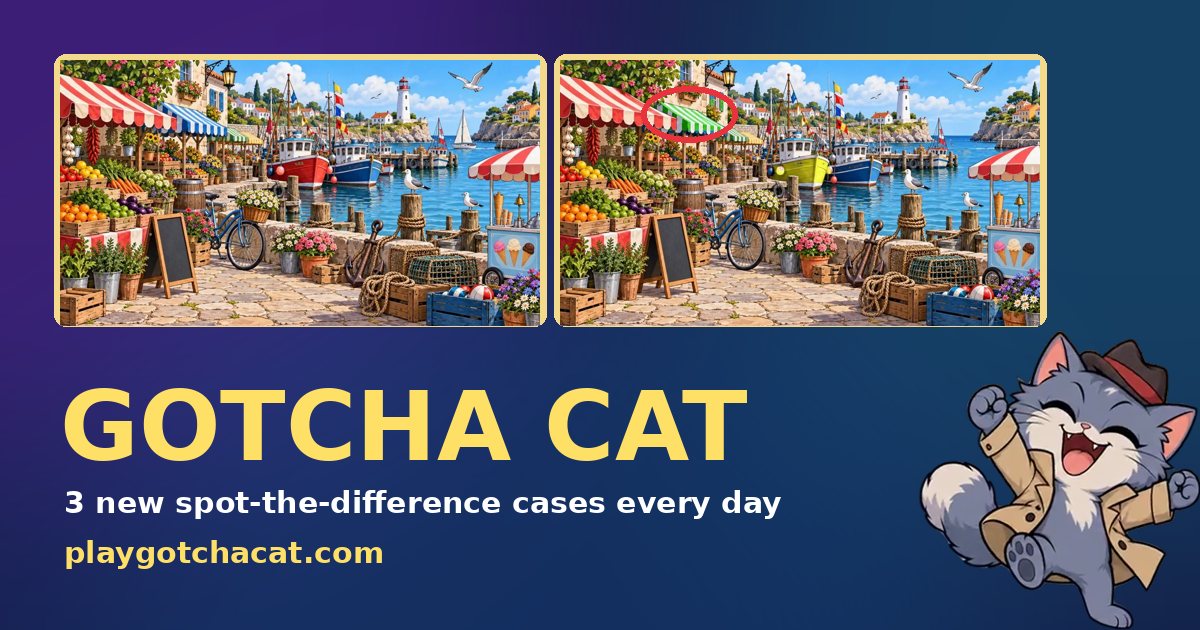
Gotcha Cat presents five fresh spot the difference picture cases every day, with difficulty tiers from Easy (three differences) to Hard (seven differences). Players tap differences on either image, use pinch or a zoom button to inspect details, and race a visible time bar unless they choose Relax mode which removes the time limit. The interface awards stars, coins and stickers for progress and records streaks and badges.
The site runs in-browser and supports tap controls, making it playable on phones and tablets as well as desktop browsers. There is no account required to play daily cases, and the game offers multiple language options. Results can be copied or shared after a case, and a case calendar and collections let players browse All cases and filter by difficulty or theme.
How to play Gotcha Cat
- Open Gotcha Cat in your browser and choose Today or a case from the Case calendar.
- Select a case to start; note the difficulty label and the time bar unless you enable Relax mode.
- Compare the two pictures and tap a difference on either image to mark it, using pinch or the zoom button to inspect details.
- Keep an eye on the time bar or play without a timer, collect stars and coins, then view or share your result at the end of the case.
Tips for Gotcha Cat
- Start with large, obvious shape and color differences to secure early stars before zooming in for small details.
- Use the zoom button or pinch to magnify crowded areas like patterned backgrounds where hidden differences often cluster.
- If you prefer no time pressure, enable Relax mode to disable the timer so you can methodically scan both images.
- Work section by section across the picture instead of jumping randomly; scanning left-to-right on one image and then the other helps avoid repeats.
Gotcha Cat FAQ
What is Gotcha Cat?
Gotcha Cat is a browser-based spot the difference game that releases five new illustrated cases each day across Easy, Medium and Hard difficulties; players tap differences before a visible time bar runs out or they can choose Relax mode without a timer.
Is Gotcha Cat free to play?
Yes, Gotcha Cat is free to play in your browser; the site describes the game as free online and does not require creating an account to play daily cases.
How many puzzles does Gotcha Cat release each day?
Gotcha Cat publishes five new picture cases every day, one for each difficulty tier ranging from Easy to Hard as stated on the site.
Can you play past puzzles in Gotcha Cat?
Yes, the site provides access to All spot the difference puzzles and includes a Case calendar, allowing players to view and select previous cases beyond Today.
Does Gotcha Cat have a timed mode or a no-time option?
Gotcha Cat features a visible time bar for timed play and also offers Relax mode which turns the time bar off so you can play without a timer.
Does Gotcha Cat work on mobile devices?
Yes, Gotcha Cat is playable in a mobile browser and supports tap controls and pinch-to-zoom for inspecting picture details, making it suitable for phones and tablets.
What languages does Gotcha Cat support?
Gotcha Cat supports multiple languages; the site lists English, French, Spanish, German, Portuguese and Russian among its language options.
Can you share your Gotcha Cat results?
Yes, the game provides ways to share results including a Copy my result button and a Share option shown after completing a case.