Today's game stop

Fold a Cube
Fold a Cube is a daily spatial puzzle where you place six patterned faces onto a flat cube net so that when folded it matches the shown cube; three puzzles refresh every UTC day and are identical for all players.
Play Fold a CubeA fresh puzzle is waiting for you.
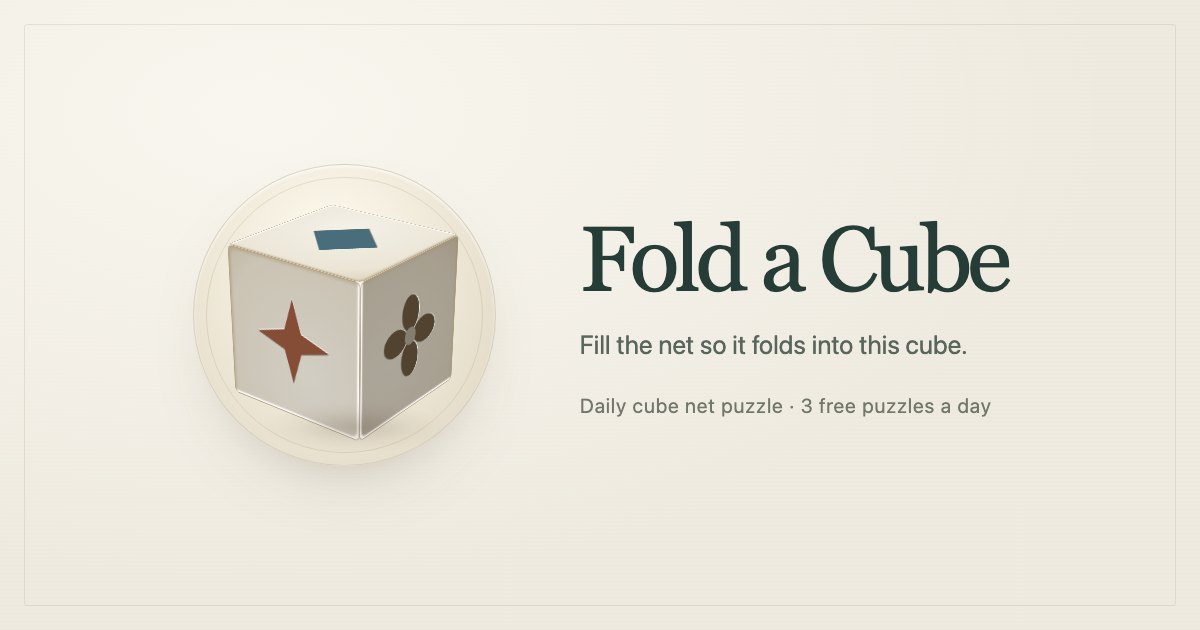
Fold a Cube is a free browser puzzle about matching a cube's six patterned faces to their positions on an unfolded net. You view a reference cube with a pattern on each face, then assign patterns to the six net squares and rotate them if needed so the folded net reproduces the cube exactly. The site requires no sign-up and runs in modern browsers on phone or desktop.
Each day delivers three puzzles that are the same for everyone worldwide and increase in difficulty through the set. The third puzzle restricts viewing by showing only two fixed angles of the cube and prevents rotating the reference view. You get two attempts per puzzle, can fold the net to check answers, and an unlimited mode provides extra practice any time.
How to play Fold a Cube
- How to play Fold a Cube: study the reference cube to note which pattern sits on each face and how each face is oriented relative to its neighbors.
- Tap a square on the flat net to assign one of the six face patterns to that position.
- If a pattern has a direction, rotate it 90 degrees using the rotate button or by pressing and holding the chosen square.
- Drag or rotate the reference cube to inspect its faces from different angles before placing patterns.
- Press Fold to animate the net folding into a cube and see feedback: green for correct, yellow for correct pattern but wrong orientation, grey for incorrect.
Tips for Fold a Cube
- Start by placing faces that have unique or easily matched edges and corners to lock down the net orientation.
- Use the reference cube's adjacent face relationships to deduce which net squares must be neighbors; matching adjacency reduces possibilities quickly.
- When two placements look plausible, rotate the candidate patterns to check consistent edge alignments before committing to them.
- For the third, harder puzzle, memorize the two shown views and infer hidden faces instead of relying on rotating the reference, since rotation is disabled.
Fold a Cube FAQ
Is Fold a Cube free?
Yes, Fold a Cube is free to play in any modern browser without signing up or viewing ads. The site works on both phones and desktops and requires no account to access the daily puzzles.
How many puzzles does Fold a Cube offer each day?
Fold a Cube offers three new puzzles every day, and they are the same set for all players around the world. The three puzzles increase in difficulty and the third one limits the reference viewing options.
When do new Fold a Cube puzzles appear?
New Fold a Cube puzzles appear at midnight coordinated universal time (UTC). That single daily reset applies worldwide so everyone gets the same three puzzles each UTC day.
How many guesses do I get on each Fold a Cube puzzle?
You get two attempts per Fold a Cube puzzle to place and orient all six faces correctly. After a Fold check you receive color-coded feedback indicating correct placements, orientation errors, or incorrect patterns.
What do the colors mean when I press Fold?
Green means a square has the correct pattern and orientation, yellow means the correct pattern is placed but rotated incorrectly, and grey means the placed pattern is wrong. The Fold animation shows those colors on the resulting cube faces to indicate which placements need correction.
Does Fold a Cube work on mobile devices?
Yes, Fold a Cube runs in modern mobile browsers as well as desktop browsers and requires no installation. Controls include tapping squares, rotating patterns with a rotate button or a press-and-hold gesture, and dragging the cube to view different angles.
What is the purpose of unlimited mode in Fold a Cube?
Unlimited mode provides additional puzzles outside the daily three so you can practice at any time. It supplies fresh puzzle sets whenever you want more practice beyond the daily challenges.