Today's game stop

Cast Six
Cast Six is a daily movie trivia puzzle where you place six named films into six overlapping category clues, using up to three checks to verify your lineup before the round ends.
Play Cast SixA fresh puzzle is waiting for you.
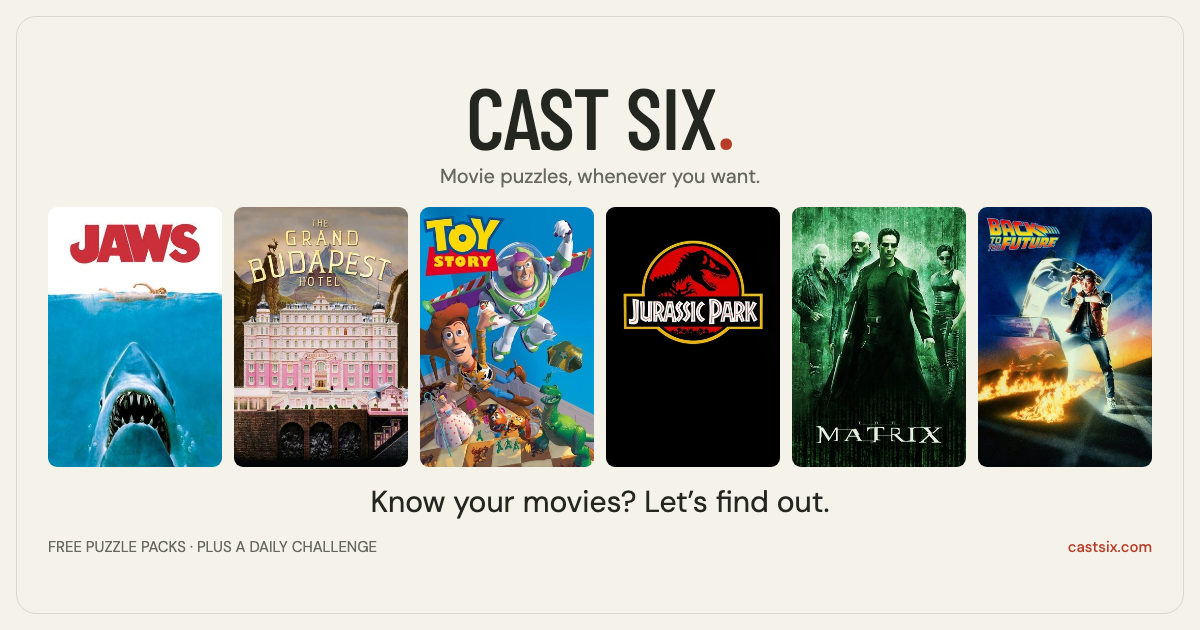
Cast Six challenges players to match six movie titles to six overlapping clues on a daily puzzle. You place each movie into one or more category slots, then use up to three checks to confirm your lineup; green matches are correct and can still be moved to finish the full set. The game presents a new daily puzzle at a fixed time and also offers themed packs and archive play.
Play requires no download or account for daily and archive rounds, and the site offers five free library puzzles per Eastern day unless you sign up by email for unlimited library play. Director's notes are available as optional nudges that place a correct match for a point penalty, and movie data and posters are sourced from TMDB with AI assistance used in development. Controls support clicking, tapping, dragging, keyboard shortcuts and undo.
How to play Cast Six
- Choose a movie or a category first by clicking or tapping a poster or a clue.
- Drag a movie onto a category or select both movie and category to place a candidate match.
- When all six movies are placed, press Check to validate the lineup; green means the match is correct.
- You get up to three Checks per round and may use Director's notes to auto-place a correct match at a point cost.
Tips for Cast Six
- Start by placing movies that clearly fit only one category to reduce ambiguity for the others.
- Use the five free library puzzles per Eastern day to practice overlapping fits before attempting the daily.
- Reserve Director's notes for later if you can deduce most of the lineup, since each note costs points.
- Make use of Undo and rearranging freely to explore alternative placements without losing checks until you press Check.
Cast Six FAQ
What is Cast Six?
Cast Six is a daily movie trivia puzzle where you match six named films to six overlapping category clues. You place each film into slots, then use up to three Checks to confirm answers while green marks show correct placements but can still be moved to complete the full lineup.
Is Cast Six free to play?
Yes, Cast Six is free to play for daily and archive puzzles without creating an account. The site also allows five different library puzzles per Eastern day for free, or you can sign up by email for unlimited library play and daily puzzle emails.
How many checks do I get in Cast Six?
You get three Checks per round: a first check plus two retries, and the third failed check ends the round. Director's notes do not consume a Check and can be used instead to place a correct match at a points penalty.
When does a new Cast Six puzzle come out?
A new daily puzzle is released at midnight Eastern each day. Past daily editions remain available in the archive for replay regardless of the daily release cycle.
Can I play past Cast Six puzzles?
Yes, past daily puzzles are kept in an archive and are playable without an account. The site also offers themed packs and additional library puzzles separate from the daily archive.
Does Cast Six work on mobile devices?
Yes, Cast Six supports tapping and dragging on touchscreens as well as clicking and keyboard controls, so it works on mobile browsers. The interface also includes touch-friendly controls like tap-to-select and drag-to-place.
What do the colors and hints mean in Cast Six?
Green indicates a correct match but that movie can still be moved to finish the lineup, while red marks are incorrect and Clear Wrong will return only those red-matched posters to the pool. Director's notes are hints that will place a correct match for a points penalty rather than using a Check.
How is scoring affected by Director's notes?
Using a Director's note places a correct match but reduces your score by 150 points per note. Checks and Director's notes together determine your score, and Director's notes do not consume a Check.